



Featured in

















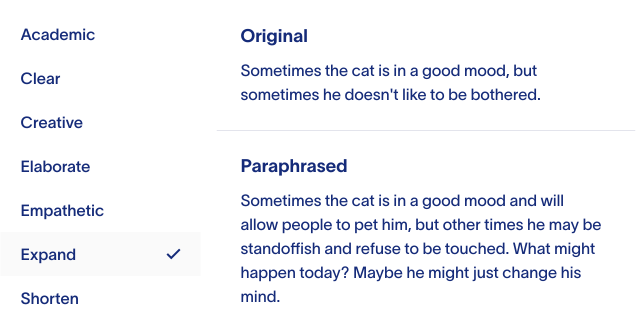
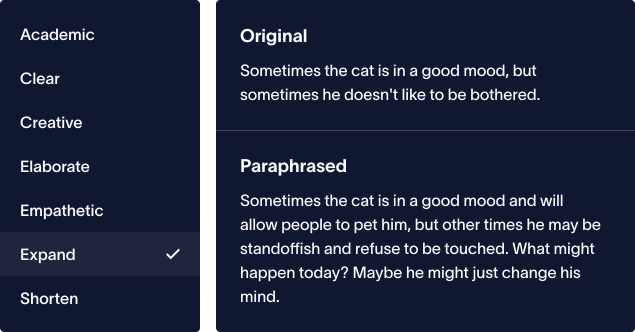
Paraphrase variations in 18 writing modes
Your words and thoughts matter, and we’ve designed our paraphrase tool to ensure find the best words to match your expression. Just paste or start writing your text in our input box above, and our best in class AI will help you to generate the best paraphrases from your original writing.


Write 10x faster with keywords in Compose mode
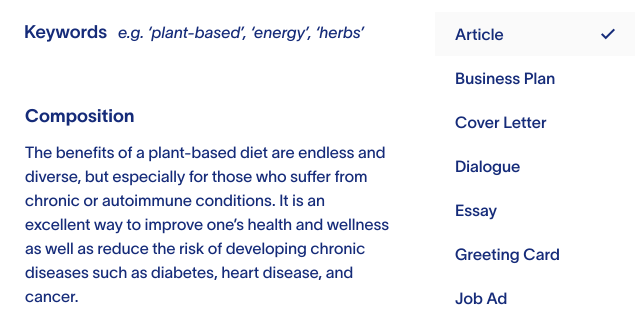
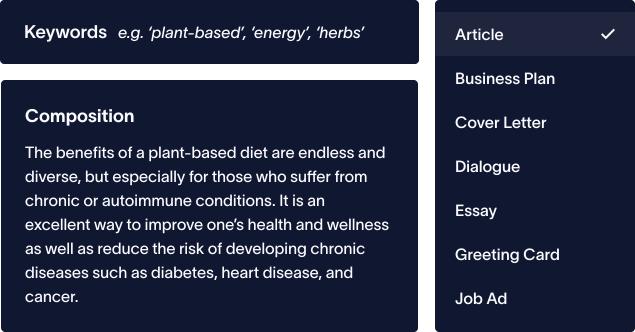
Who has time for writer’s block? Our Composer can help you write 10x faster by enabling you to create paragraphs from keywords instantly for articles, cover letters, essays, and more than 500 other types of writing in 100+ Languages. This way you can focus more on your final work rather than your first draft.


Check plagiarism in 50+ languages
None of us wants to accidentally plagiarize, especially when we spend so much time getting our ideas on paper and refining them. Be sure that your text is unique and 100% FREE of plagiarism by using our plagiarism checker for 50+ languages.
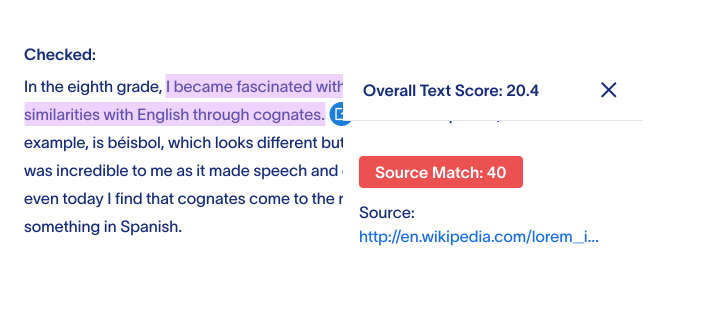
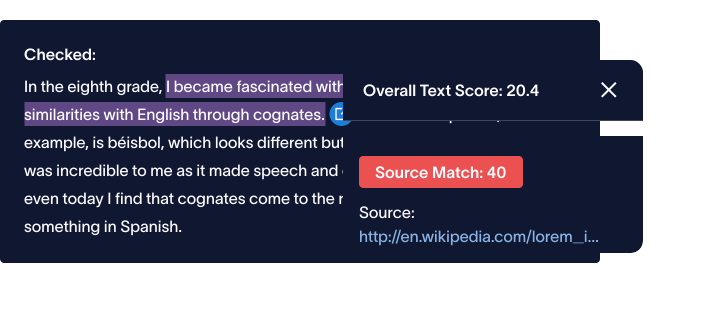


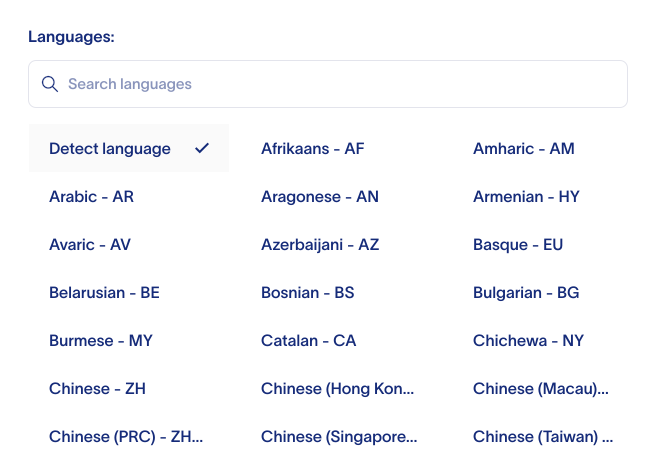
Rephrasely uses state-of-the-art AI to paraphrase and compose in more than 100+ languages
Rephrasely uses state-of-the-art AI to produce variations of your text in more than 100+ languages for each of the eighteen (12 free and 6 premium) styles that we offer. By doing this, we are able to offer more value and variety than any other service.

Unlock your writing
Switch plans or cancel anytime.
All plans include:
Monthly
Billed every month
Annual
$59.88 billed every 12 months
Prepay Credits
What Is a Comma Splice?
A comma splice occurs when two independent clauses (complete sentences that could stand on their own) are joined by nothing more than a comma. For example: "The report is due Friday, the team hasn't started yet." Each half of that sentence is a complete thought, so a comma alone isn't strong enough to hold them together.
How to Fix a Comma Splice
There are four standard ways to correct a comma splice. The right choice depends on the relationship between the two clauses and the tone you want.
Add a Coordinating Conjunction
Insert one of the seven coordinating conjunctions (for, and, nor, but, or, yet, so) after the comma.
- Splice: "The server went down, nobody noticed for two hours."
- Fixed: "The server went down, and nobody noticed for two hours."
Replace the Comma With a Semicolon
A semicolon signals that two closely related independent clauses are linked.
- Splice: "Sales increased in Q3, marketing launched two new campaigns."
- Fixed: "Sales increased in Q3; marketing launched two new campaigns."
Split Into Two Sentences
When the clauses aren't closely related, separate sentences work best.
- Splice: "The flight was delayed, we visited the airport bookstore."
- Fixed: "The flight was delayed. We visited the airport bookstore."
Subordinate One Clause
Turn one independent clause into a dependent clause to show the relationship between ideas.
- Splice: "The budget was approved, the project started immediately."
- Fixed: "After the budget was approved, the project started immediately."
Why Comma Splices Hurt Your Writing
Comma splices blur the boundary between ideas, forcing readers to untangle where one thought ends and the next begins. In academic writing, they are marked as grammatical errors. In professional emails and reports, they make your writing look rushed and unpolished.
Paste your text into the checker above to find every comma splice, with suggested corrections for each one.
Related Tools
Try our grammar checker to catch errors automatically, or use the paraphrasing tool to improve sentence clarity.